Do we have to type our rooms and carts in first?
No. A location is created at its site the first time someone names it: on a device's form or Move dialog, at check-in, in an import's Room column, in the scanner's Place mode, on a bulk move, or from a Chromebook's annotated location in Google Admin. Administrators can rename, re-kind or delete them under Admin → Sites; deleting one asks where its devices go.
Does checking a device out to a student move it out of its cart?
No. Where a device sits and who holds it are two separate facts. A Chromebook checked out to a student for the weekend still belongs to Cart 3, and goes back to it, or wherever you say, at check-in.
Will the nightly sync reassign a cart Chromebook to whoever used it last?
Not unless you turn that on. By default a device is assigned only to the annotated user in Google Admin, when that person is in Beacon; who signed in recently is kept as information. The opt-in switch assigns a device with no annotated user to its most recent managed Google user, and states the trade-off: a shared device may change hands as people sign in. An annotated user always wins, a held device changes hands only when its most recent user changes, and a sync never unassigns.
What does a student see?
A student signed in to the portal sees their own requests, the devices checked out to them, and the public knowledge base. They do not see other people's devices or tickets, the device history, or anything from Google Admin.
Can we manage Windows laptops, iPads and projectors too?
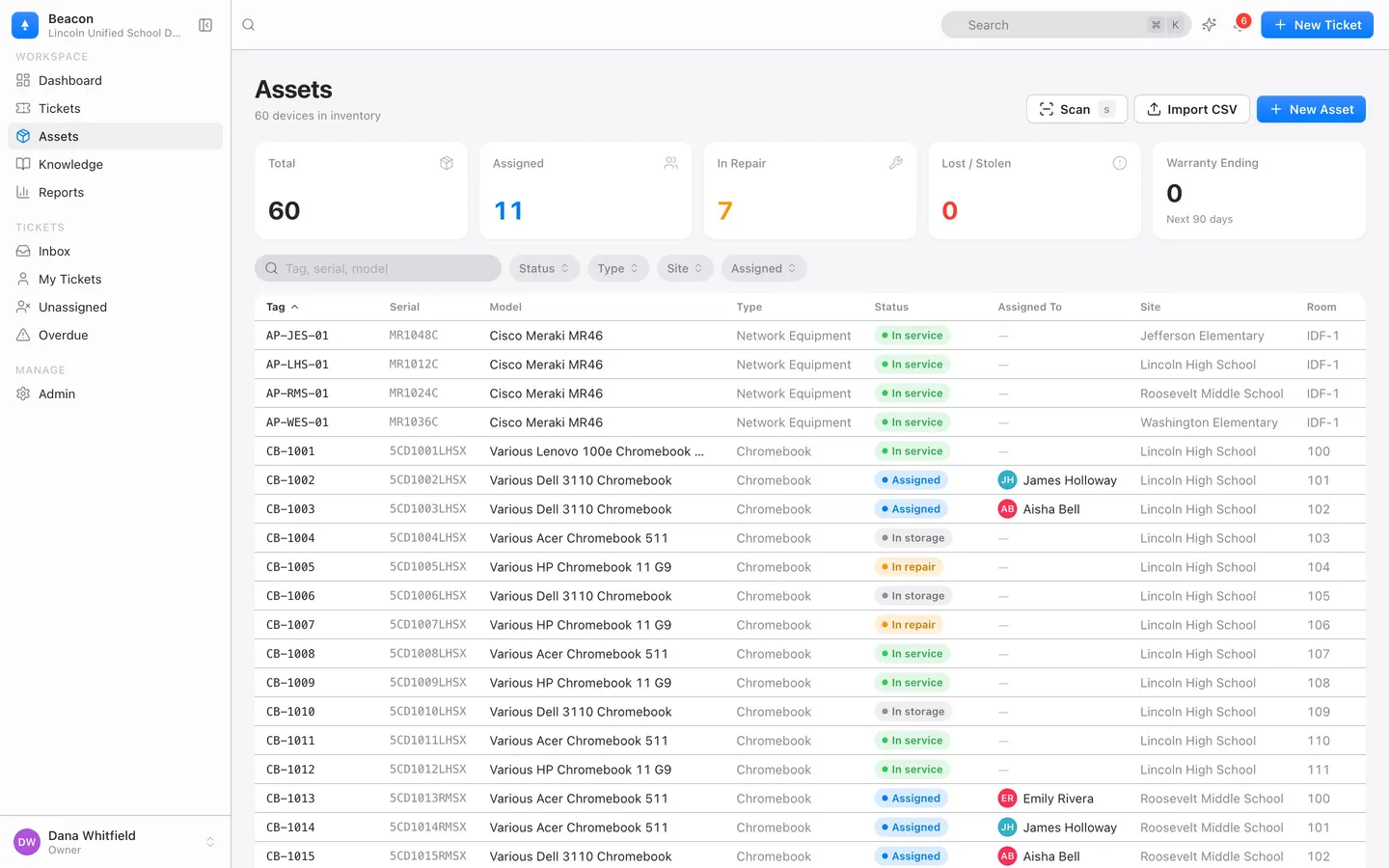
Yes. Nine asset types come ready, each with its own fields, and an import creates a type it does not know. Devices from Intune reads every device managed in Microsoft Intune, Windows laptops and iPads included, read-only and nightly, on the district's Microsoft Entra connection, which an Entra Global Administrator connects once. Devices from Mosyle syncs the iPads, iPhones, Macs and Apple TVs in Mosyle Manager, read-only and nightly, on the district's own Mosyle Manager API token. There is no sync from SCCM or Jamf: those devices, and anything else such as projectors, come in from a CSV or a paste from a spreadsheet on Admin → Import, matched by asset tag or serial number; a re-run updates rather than duplicates.
Does Beacon change anything in Google Admin?
No. Beacon asks Google to read Chrome devices and, for the people sync, users and group members, plus the email address of the administrator who connected. It never changes a device, a user, an organizational unit or a setting in Google, and disconnecting deletes the token and revokes the grant.
What happens when a student leaves?
Check the device in, choosing its new status and where it goes, then disable or delete the student under Admin → Users. A person who requested tickets is disabled rather than deleted so those tickets keep their requester; the tickets themselves can be deleted. A school can delete any record at any time, and all of a school's data is permanently deleted within 30 days of its request or the end of its agreement.
Can we try the Google Admin sync during the pilot?
Yes, in your own pilot organization: connect your Workspace from Admin → Import. The emailed demo district is a made-up sandbox and cannot connect to a real Google Workspace.
What does it cost?
Devices are part of every plan, not a module. Starter is free for good for one school with up to 1,000 devices. District is $1 per student per year with every module, unlimited devices and sites, and a $900 per year minimum; the pilot is free for 90 days with no card. Pricing.
Do we need a student data privacy agreement first?
Before you import real students and staff, yes: email hello@beaconhelpdesk.com and Beacon signs one, including state model agreements such as the SDPC National Data Privacy Agreement. The pilot's sample data contains no real people, so you can try the product before that.